
Press kit
Everything you need to write about DuoNavigator: descriptions to copy, key facts, the app icon, screenshots and a contact.
Short description
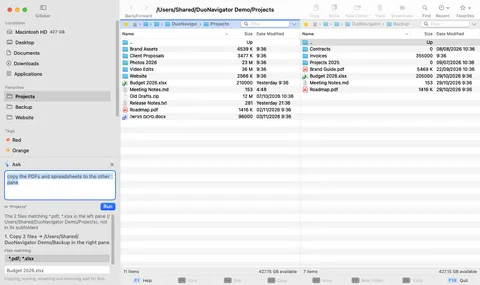
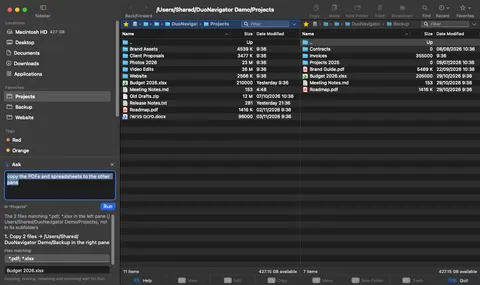
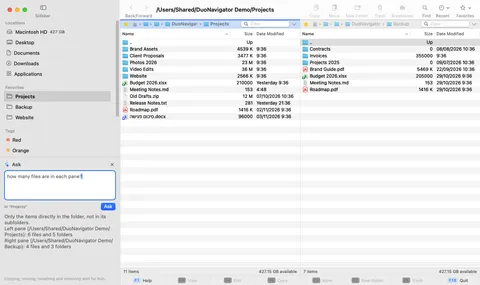
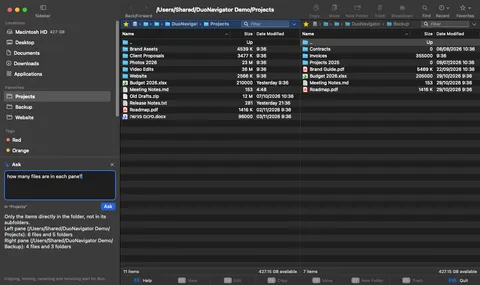
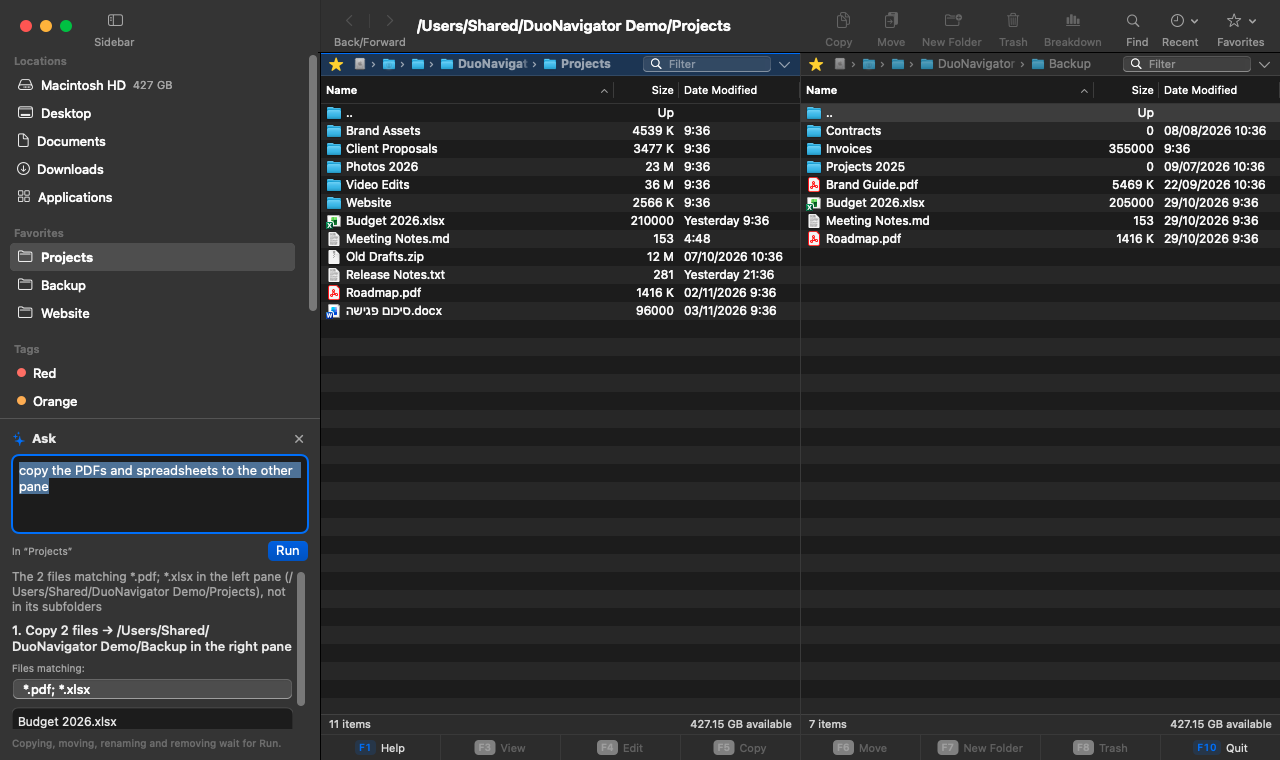
DuoNavigator is a free, native dual-pane file manager for macOS. Work in two folders side by side from the keyboard, or type a request to Ask, check the plan, and press Run.
Long description
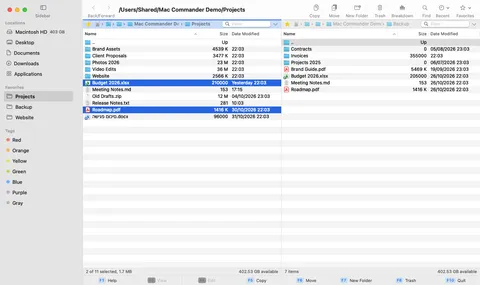
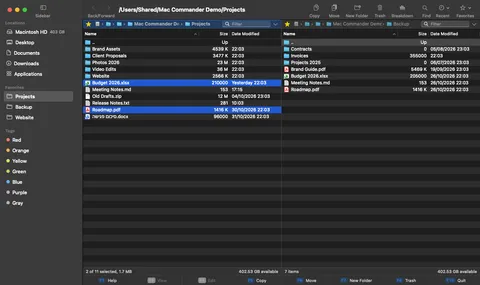
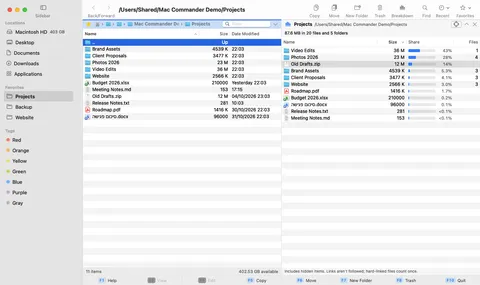
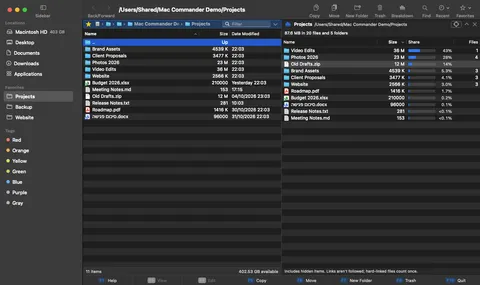
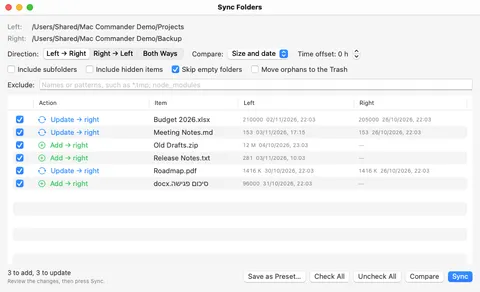
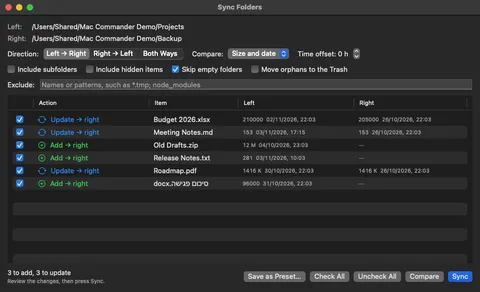
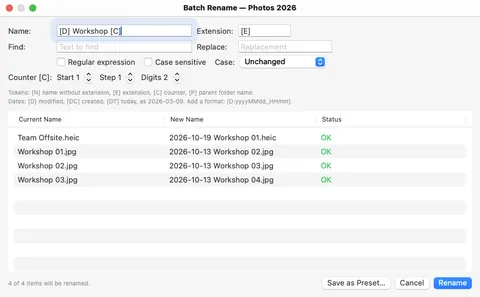
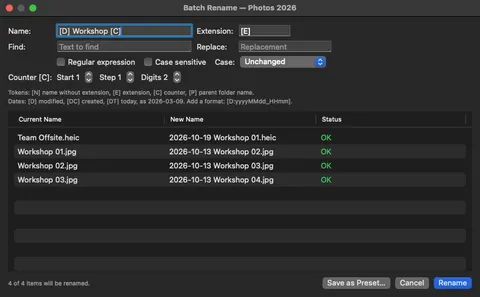
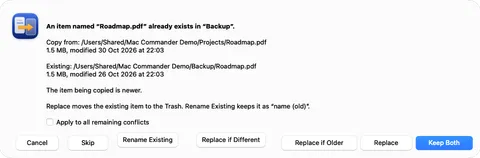
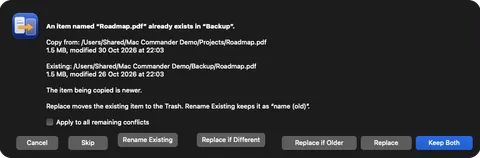
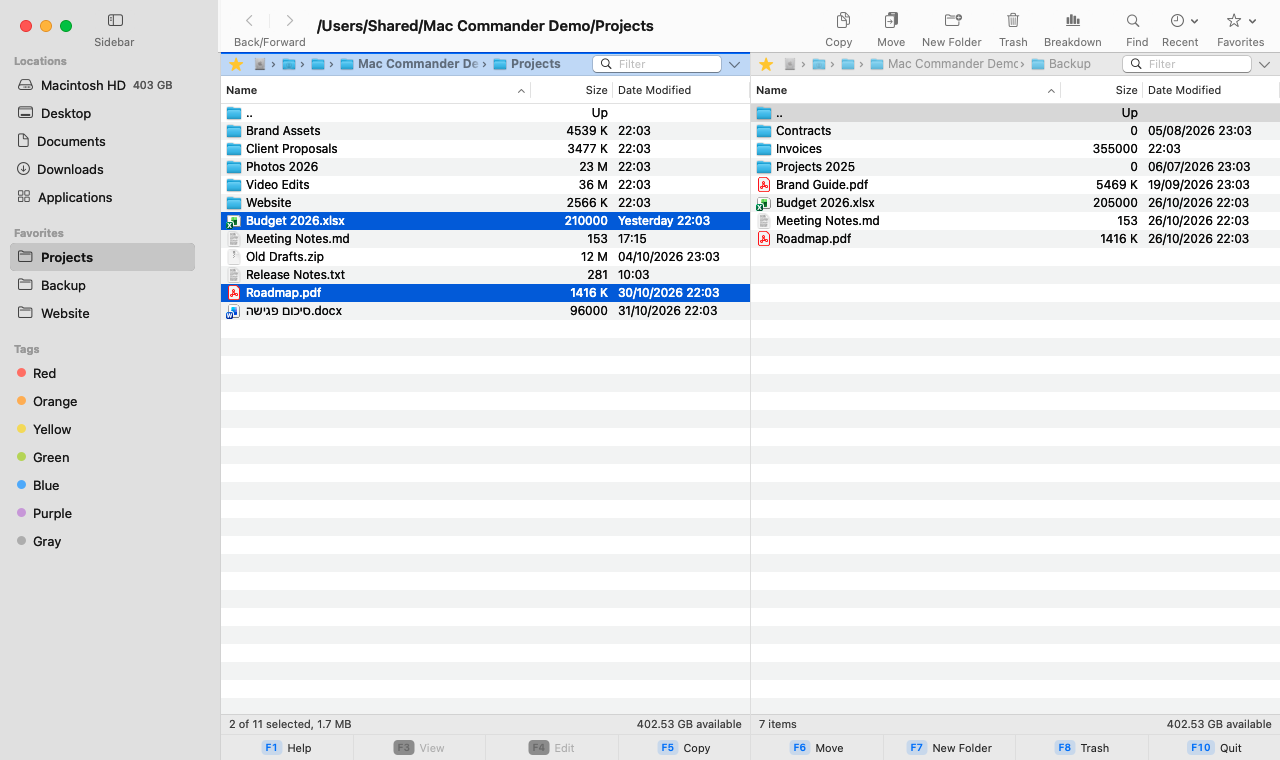
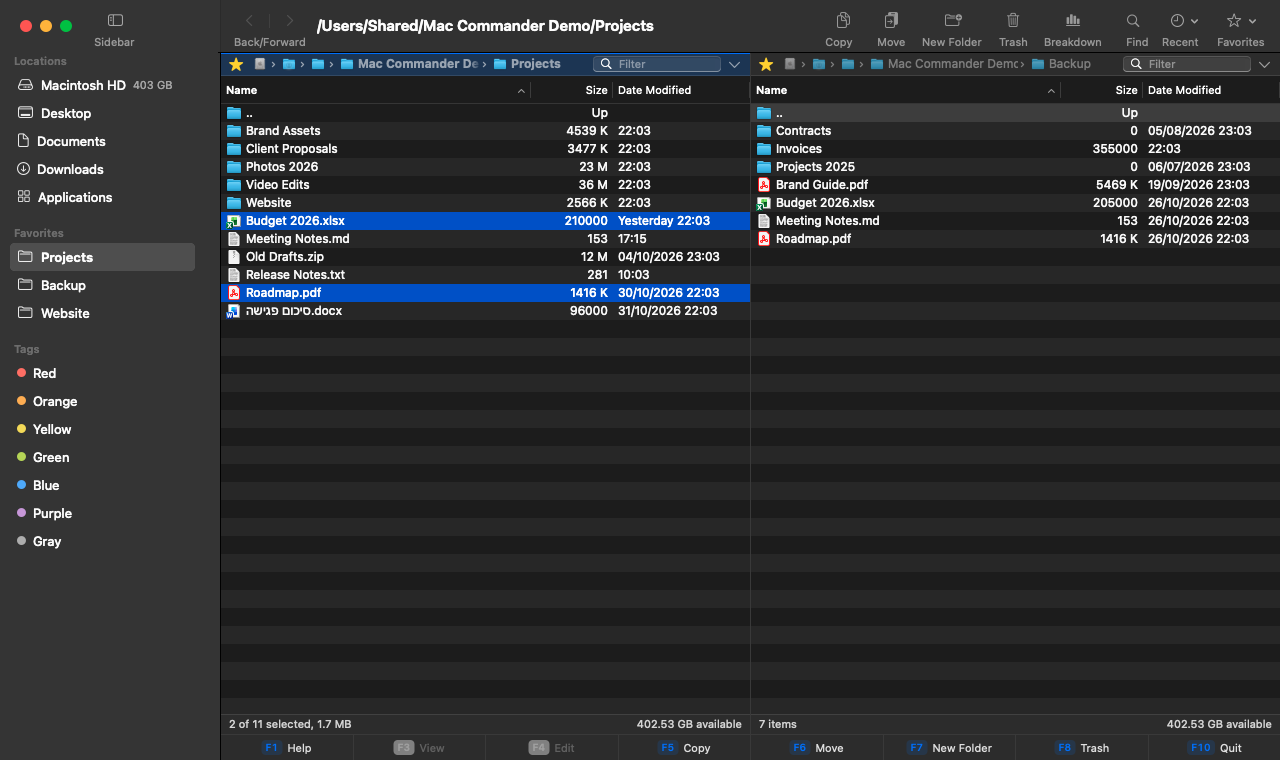
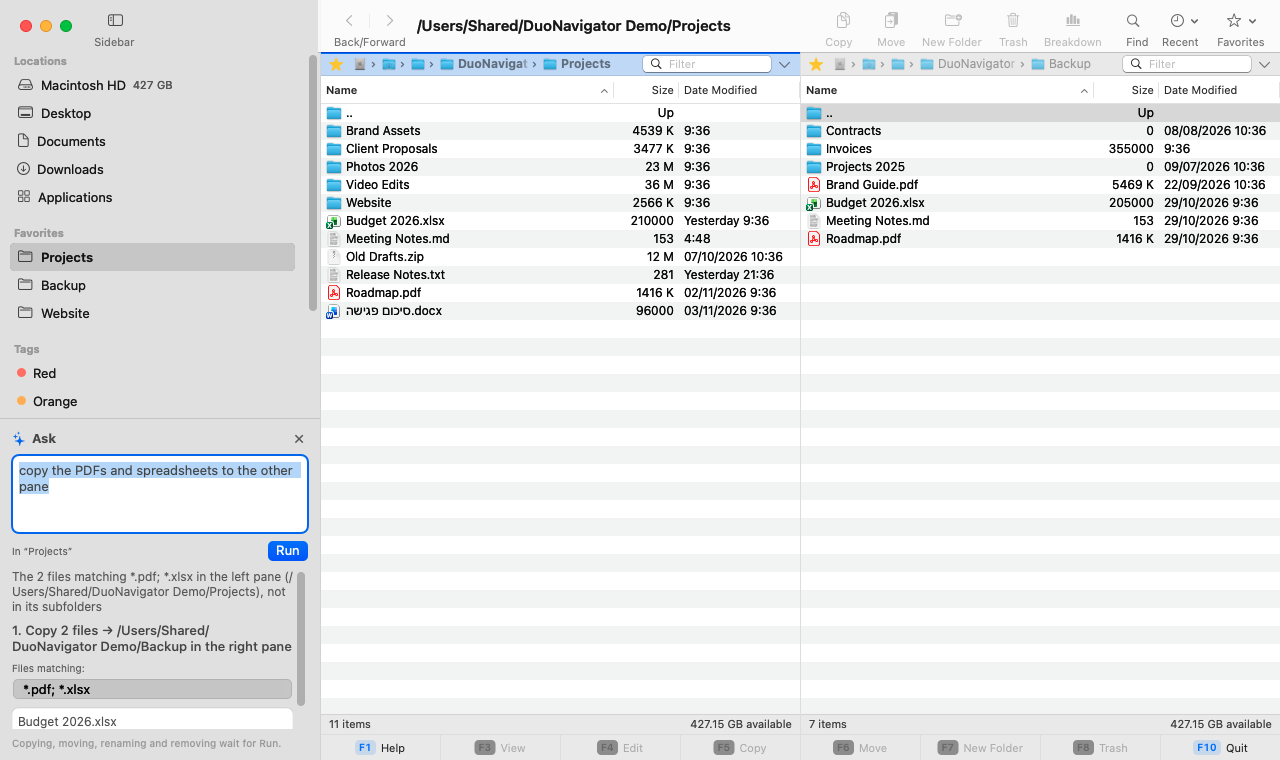
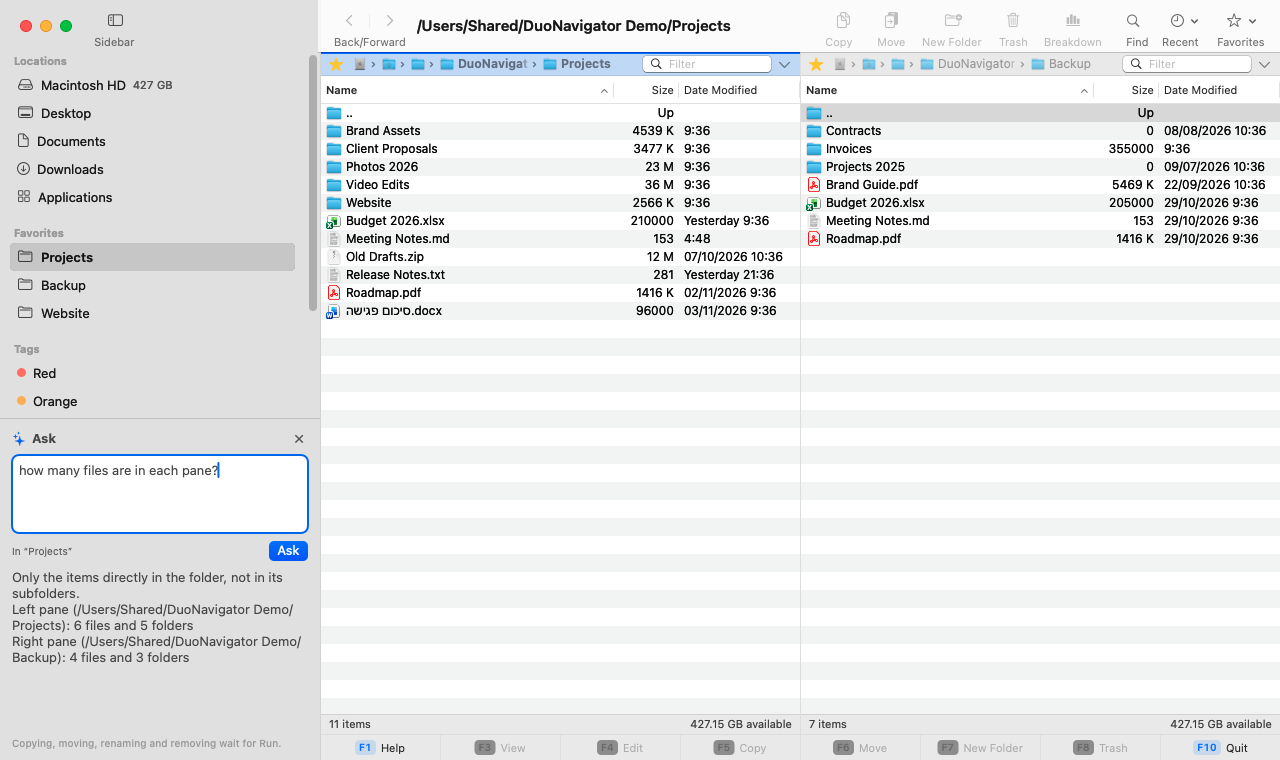
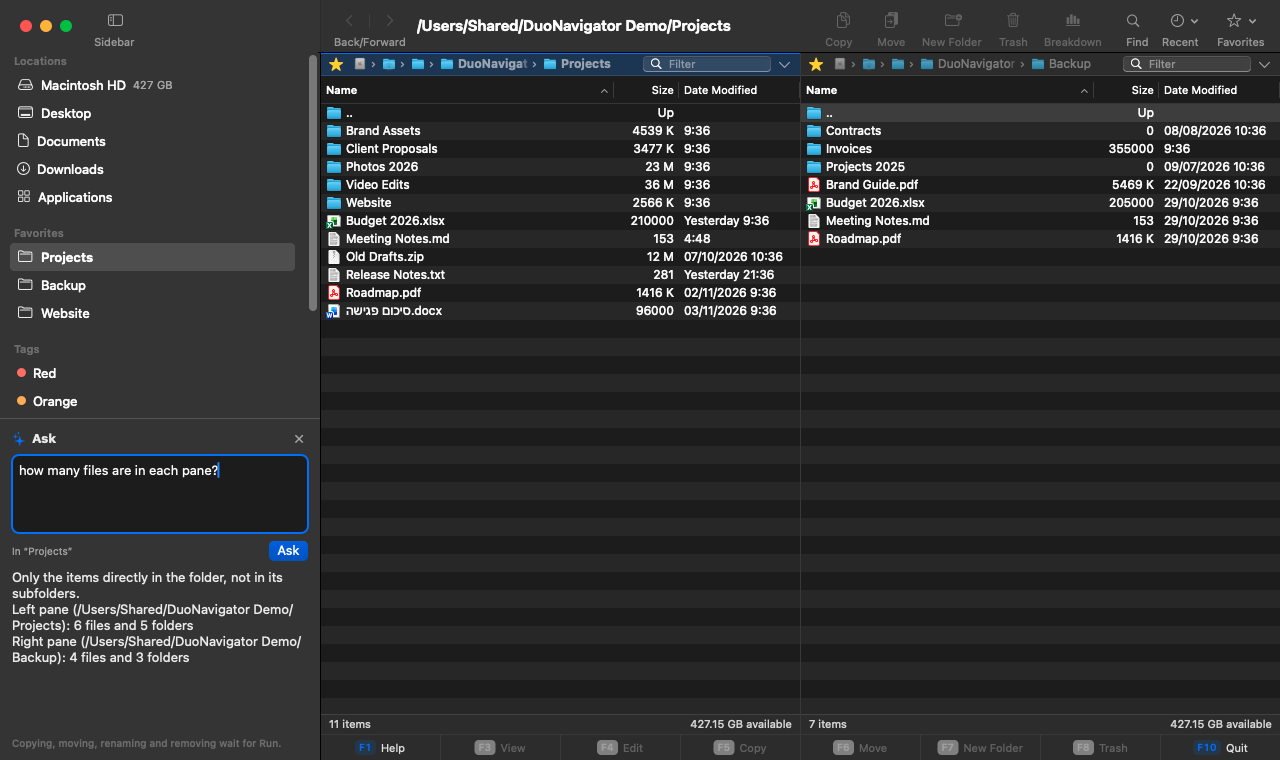
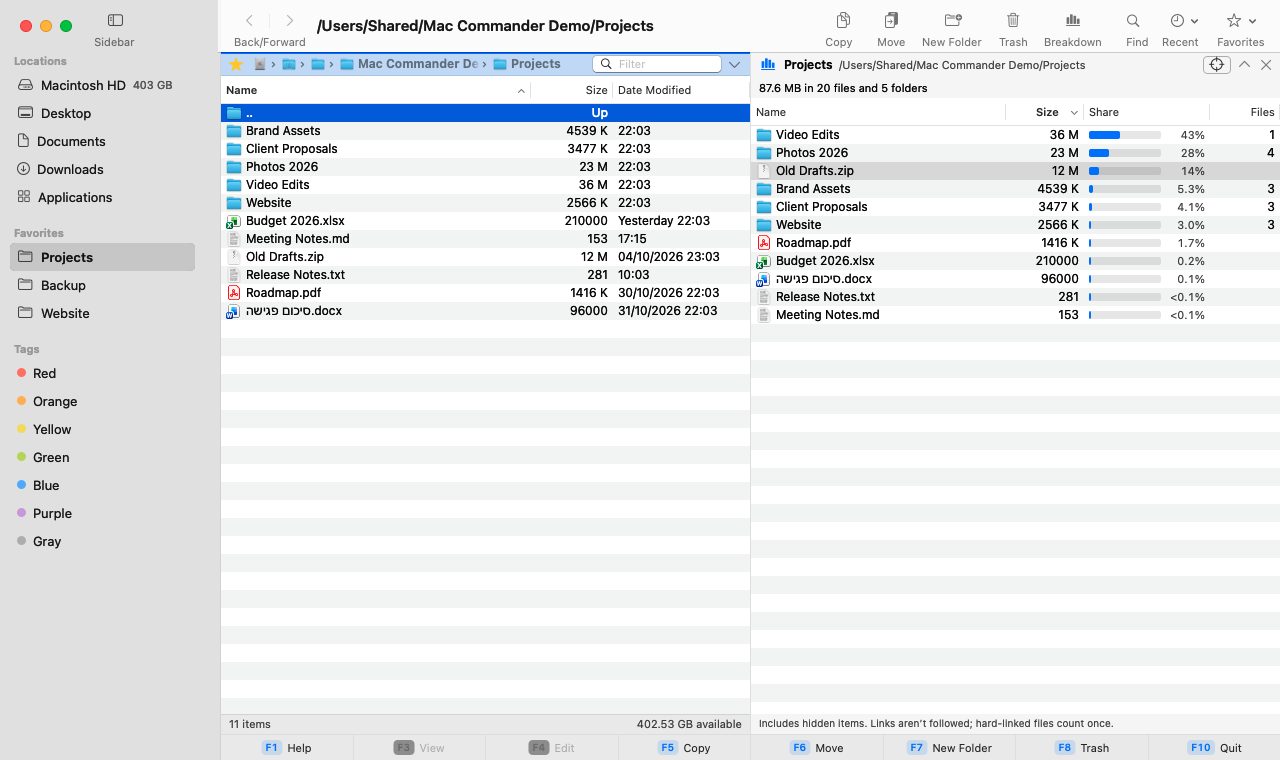
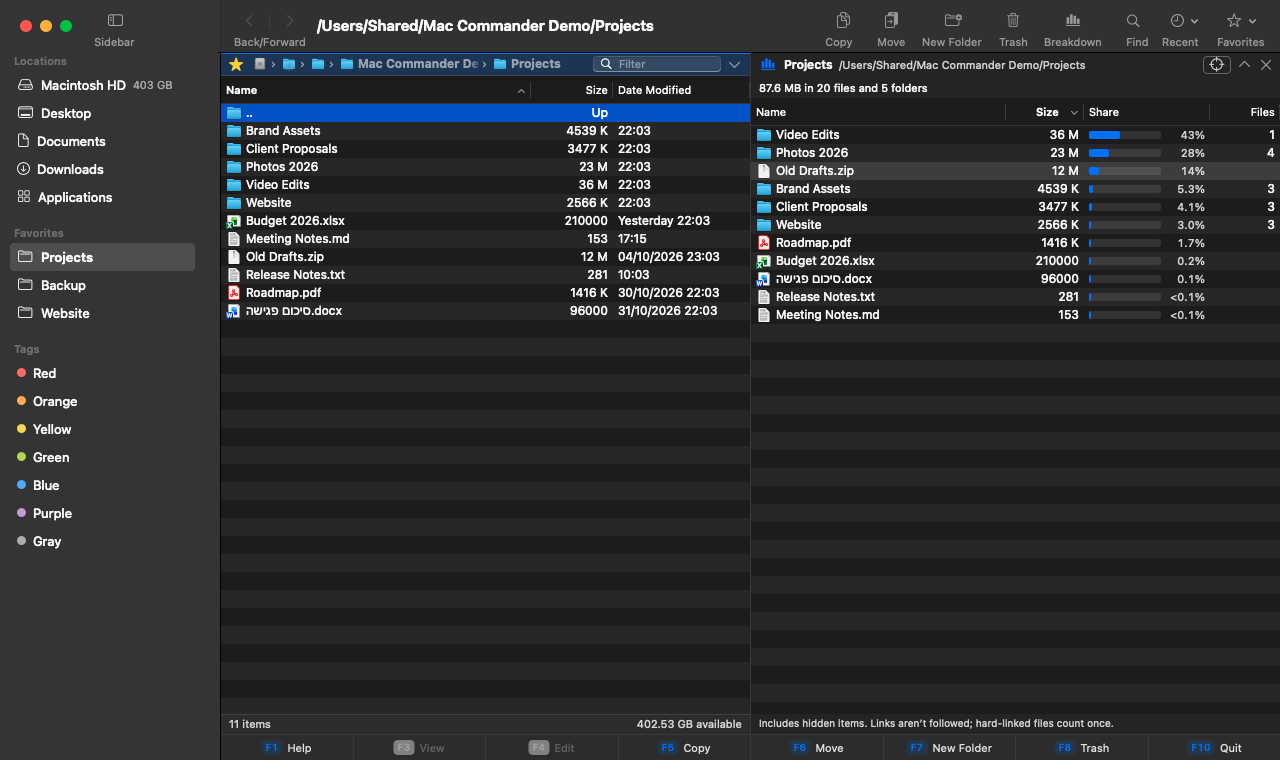
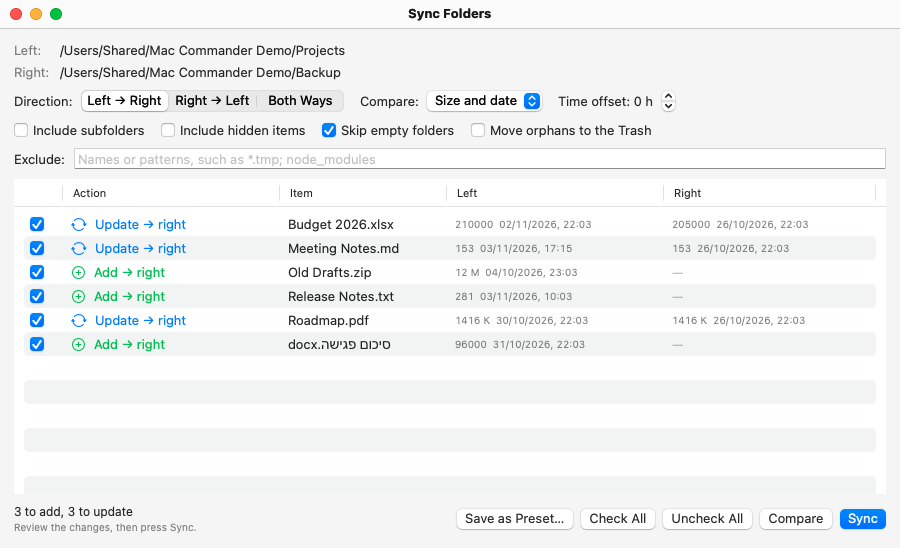
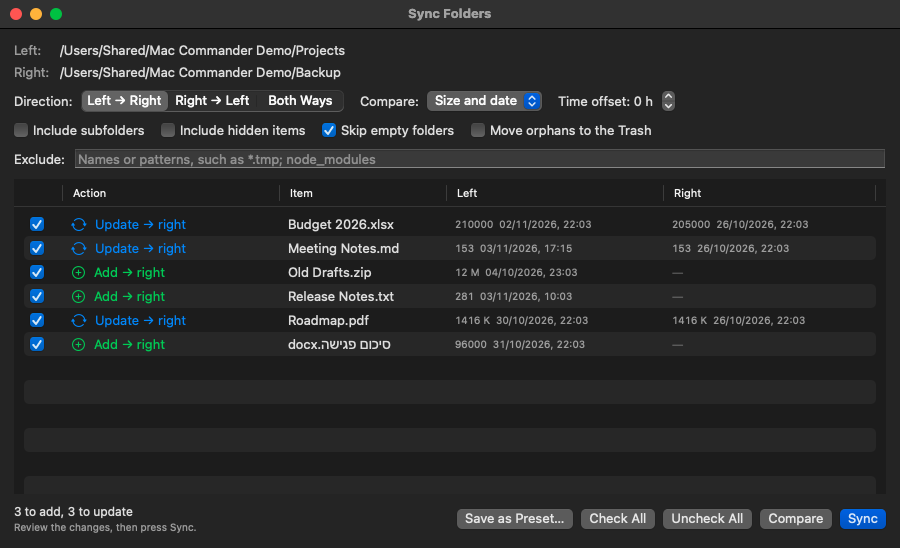
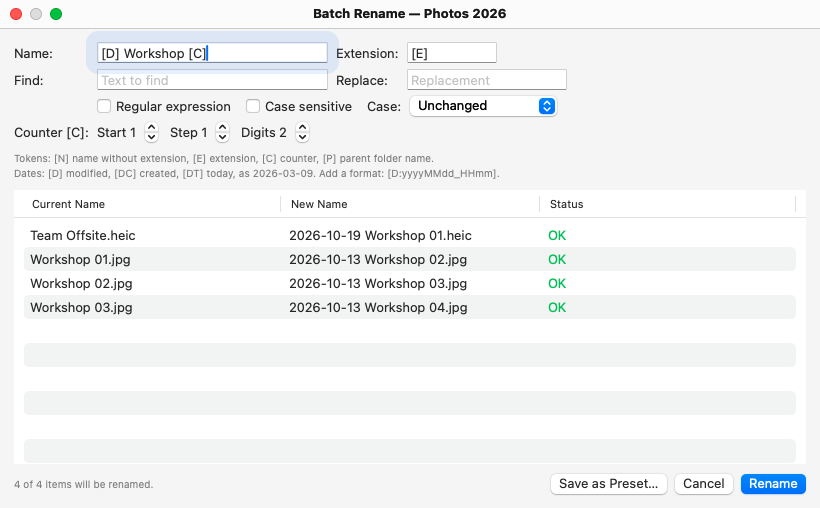
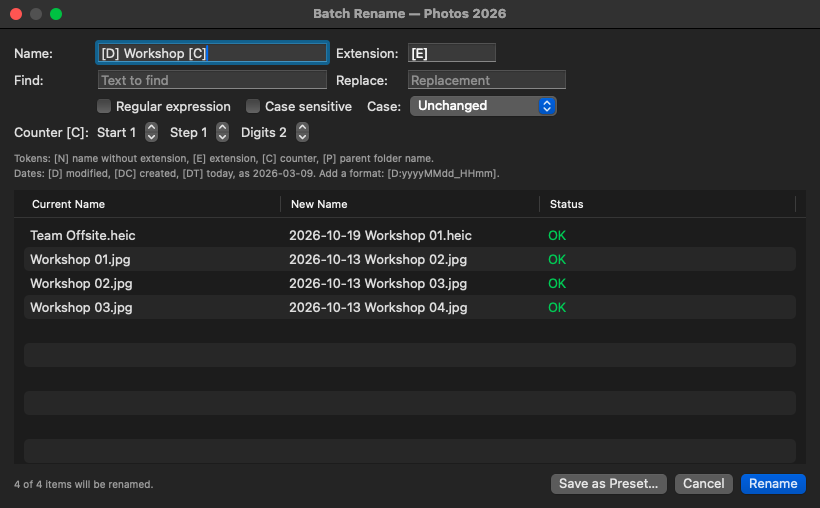
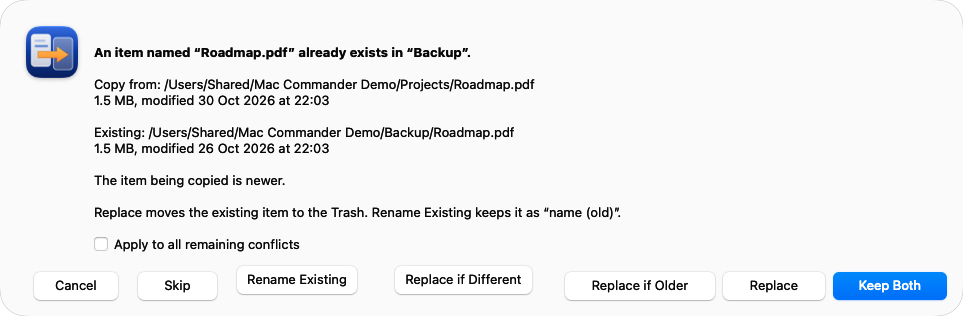
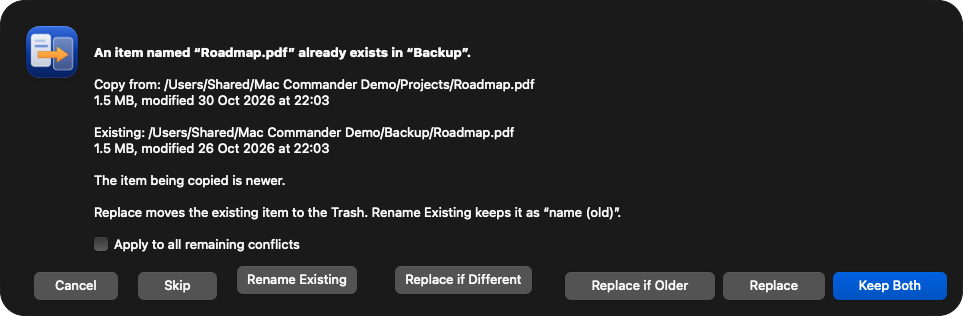
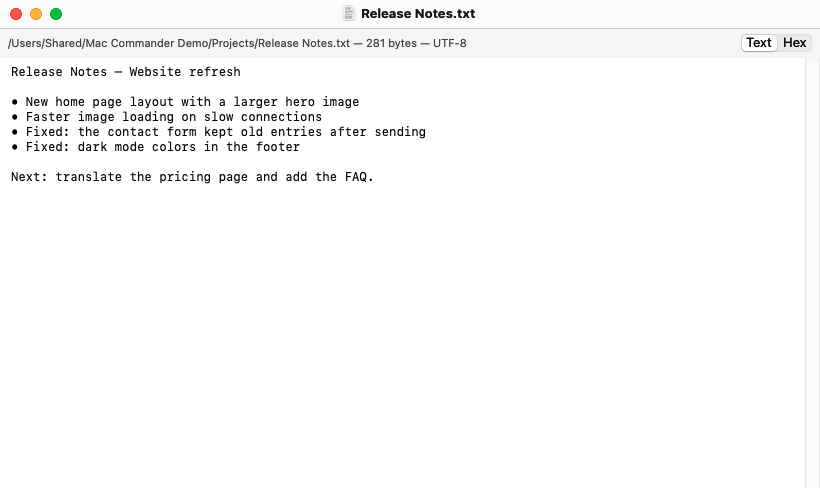
DuoNavigator is a native file manager for macOS with two panes side by side. Each pane has its own folder, tabs and history, and the app is keyboard-first: every command is in a menu, most have a shortcut, and a function key bar shows the main ones. Copy and move show real progress and let you decide on every name conflict. Deleting moves items to the Trash, and Undo reverses file operations. Sync Folders compares two folders and lists every change before anything is written, Batch Rename works with templates, dates and regular expressions, and Folder Breakdown shows what a folder is made of. Ask (⌘K) turns a request typed in plain language into a plan you check before you press Run, and answers questions such as how many files a folder has on your Mac. Ask uses Claude (by Anthropic) through our server and is off until you turn it on. DuoNavigator is free to download, is available in seven languages, including Hebrew and Arabic with a right-to-left layout, and does not connect to remote servers such as FTP or SFTP.
Key facts
- Developer
- Dror Lederman
- Price
- Free
- Platform
- Mac, macOS 14.0 or later
- Latest version
- 1.3.2, released November 6, 2026
- Interface languages
- 7: English, Hebrew, Arabic, German, Spanish, French, Russian
- Website
- https://duonavigator.com
Highlights
- Ask (⌘K): type a request in plain language, check the plan, then press Run. Questions such as how many files a folder has are answered on your Mac.
- Undo (⌘Z) for file operations: copy, move, rename, new folders, ZIP, sync and Move to Trash. Nothing is deleted permanently.
- Two panes with tabs, and a function key bar (F1–F10) for the main commands. Every command is also in a menu.
- Sync Folders compares two folders and lists every change for you to review. Batch Rename works with templates, dates and regular expressions.
- Folder Breakdown shows what a folder is made of, largest first, with size, share and file count.
- Seven languages, including Hebrew and Arabic with a mirrored right-to-left layout.
Ask uses Claude (by Anthropic) through our server. It is off until you turn it on and needs an internet connection. It sends your request, folder paths and file names, never file contents.
Images
Click a thumbnail’s link to download the full-size PNG.
App icon

Screenshots
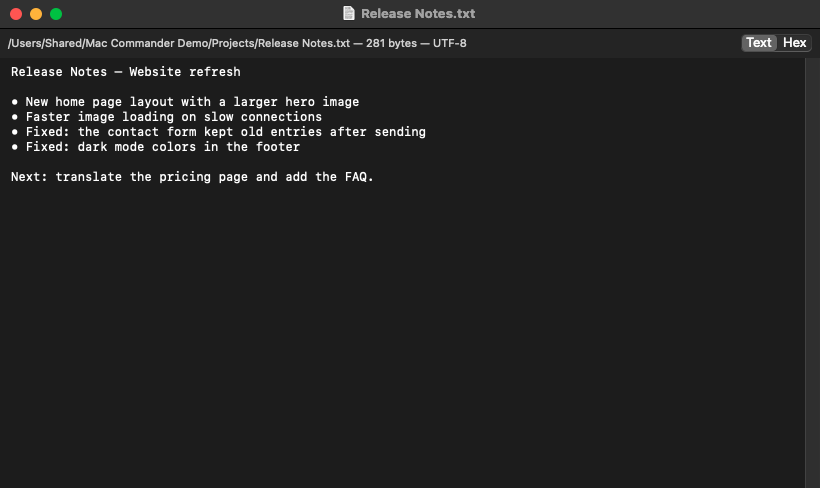
Ask video
A short video of Ask: a request, the plan, and Run.
Usage
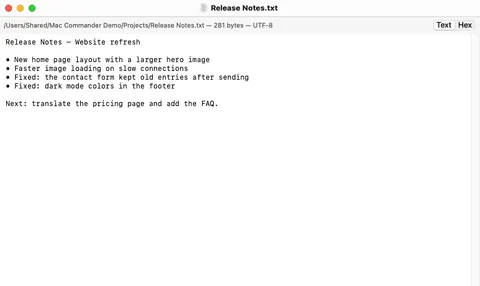
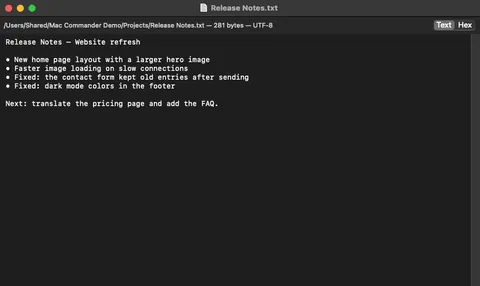
You may use the screenshots and the app icon to write about DuoNavigator. Please don’t alter them. The screenshots show a demo folder, not personal files.
Press contact
For questions, review copies or interviews, write to dror.lederman@gmail.com.