
Two panes. Plain-language commands.
DuoNavigator is a native, keyboard-first file manager for macOS. Work in two folders side by side, or just type what you need, like “move the PDFs into a new folder called Invoices”, check the plan, and press Run.
DuoNavigator is for macOS. Registrations help us decide what to build next; there is no announced release date for other platforms.
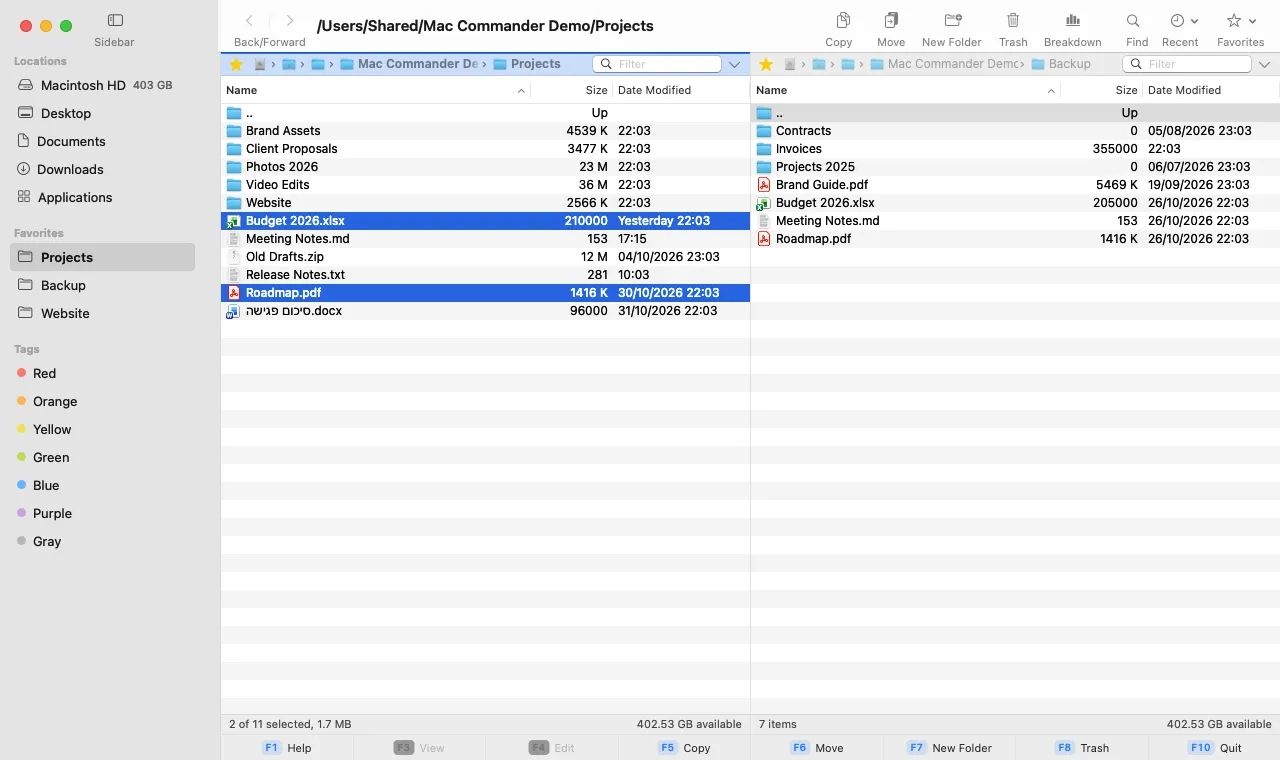
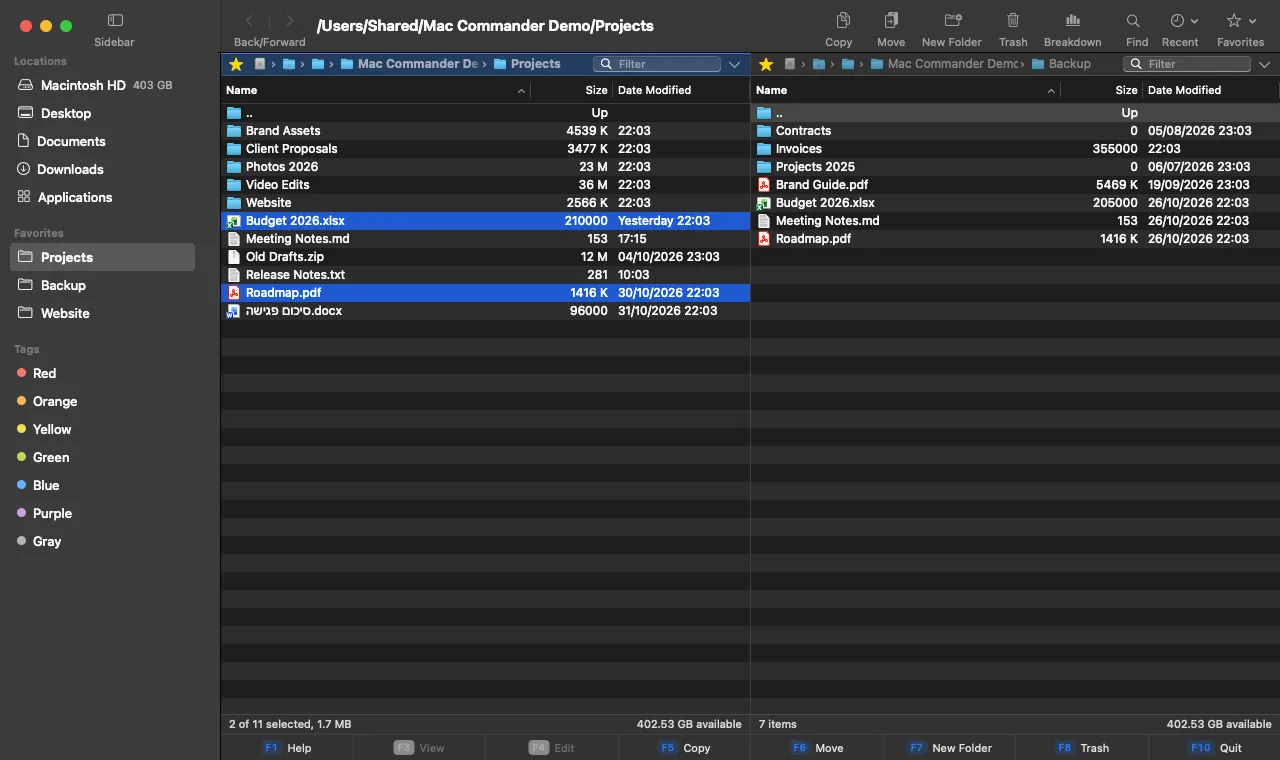
Press Tab to switch panes
Say what you need. Check the plan. Press Run.
Type a request in plain language, in English, Hebrew, Arabic or any other language. Ask turns it into a plan you can read: which files, in which pane, and every step. Nothing is copied, moved, renamed or moved to the Trash until you press Run.
Try requests like
- “move the PDFs into a new folder called Invoices”
- “which files differ between the two folders?”
- “what are the five largest files here?”
- “compress the selected files into the other pane”
- “העתק את קובצי ה-PDF לחלונית השנייה”
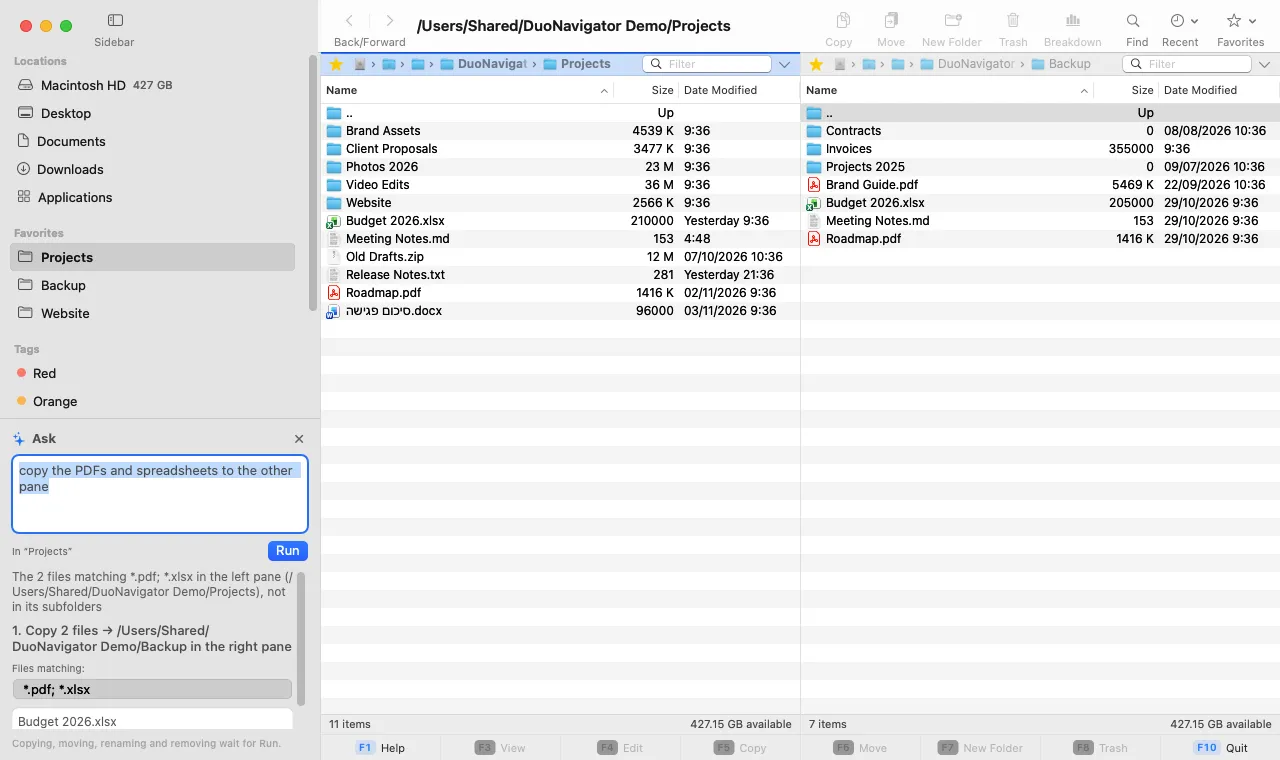
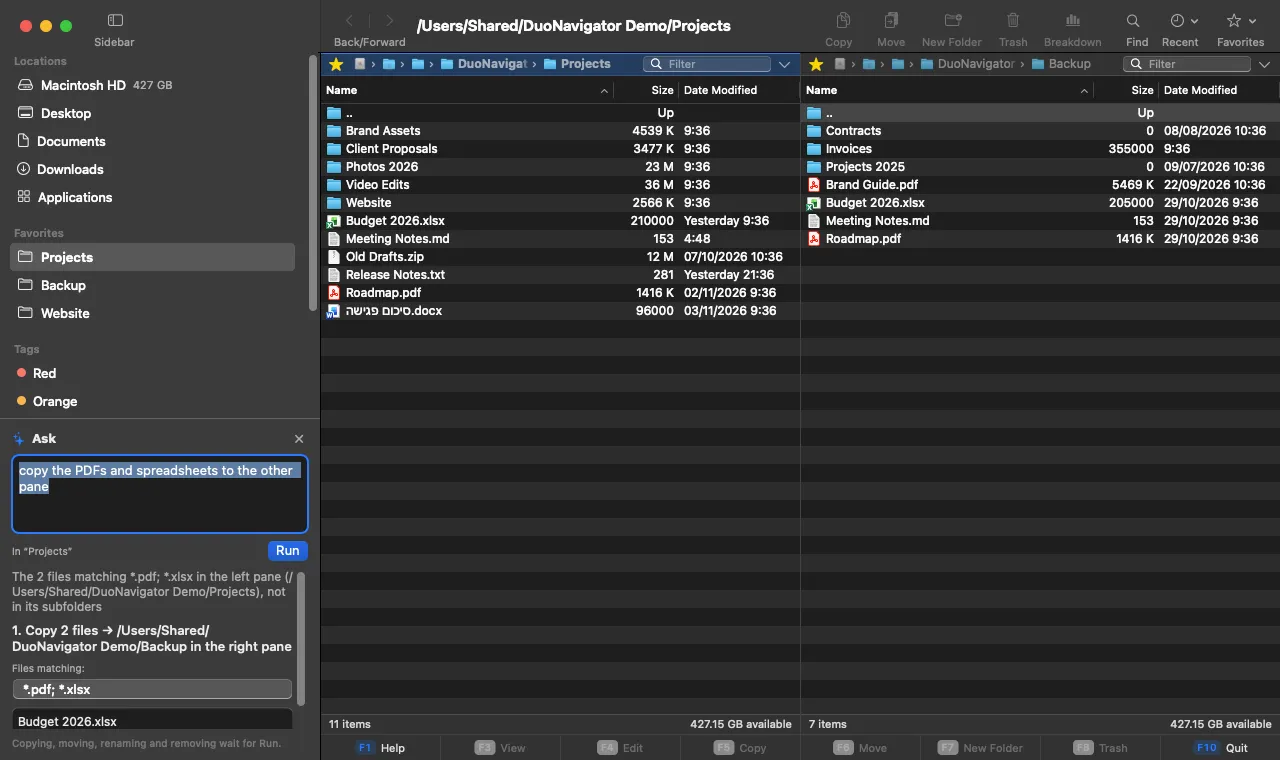
You check before it runs
Copying, moving, renaming, compressing and moving to the Trash wait for Run. If anything changed since the preview, Ask shows the new plan instead of running.
Answers counted on your Mac
Questions like how many files, the largest or newest, or what differs between the two panes are answered by the app itself, from the files on your Mac.
Off until you turn it on
Ask uses Claude (by Anthropic) through our server. It sends your request, folder paths and file names, never the contents of your files, and our server keeps no copy.
Built for people who move a lot of files
Ask in plain language
Press ⌘K, say what you need, and review the plan before anything changes. Questions about your files are answered on your Mac.
Two panes, fully keyboard-driven
Work in two folders at once, with tabs in each pane. Every command has a menu item, and most have a shortcut.
File operations you can trust
Nothing is overwritten silently. You choose what happens on every conflict, and deleted items go to the Trash. ⌘Z undoes file operations.
Sync and rename in bulk
Compare two folders and review every change before syncing. Rename hundreds of files at once with templates, dates and regular expressions.
See what fills a folder
Folder Breakdown shows, in the other pane, what a folder is made of — largest items first.
Native, local and quiet
Built with AppKit for macOS. No accounts and no telemetry. It goes online only when you use Ask or send us a report.
How does DuoNavigator compare?
Dual-pane managers such as ForkLift, Commander One and QSpace offer several panes, remote servers and more archive formats. DuoNavigator focuses on local files: two panes, sync, batch rename, undo, and Ask, which turns a typed request into a plan you check before it runs. It doesn’t connect to servers.
Common questions
How much does it cost?
DuoNavigator is free to download.
Which Macs does it run on?
The recommended version requires macOS 14.0 or later. The download page lists the architectures available for each version.
Does it replace Finder?
It works alongside Finder. You can reveal any item in Finder with ⌥⌘R and open files in their default apps.
Does the app connect to the internet?
Only when you ask it to. Ask (⌘K), once you turn it on, sends your request to our server, and Help › Report a Bug… sends the report you write. Nothing else goes online: no accounts, telemetry or automatic updates. You download new versions from this site.
Ready to try DuoNavigator?
Download the recommended version, or browse every release.
DuoNavigator is for macOS. Registrations help us decide what to build next; there is no announced release date for other platforms.